My earliest ventures into Digital Brushes was during my time at Adobe Design Labs
where I created the project Brush Bounty which explored animated brushes and
connecting data with them. I showcased the same at Adobe Max 2018:
The AI Brushes project is a project exploring how can we create more
expressive and functional digital brushes using Artificial Intelligence .
After my time with Adobe, I decided to independently explore how new kind of
creative expressions could be created with AI. Here are some of those works:
1. Lava Brush
Lava brush was created by training a pix2pix network with images of lava. I
used Google's Tensorflow+Keras for this. I tried it out with a direct feed
from the Adobe Fresco app and also by using AR to augment real-life acrylic
based painting using the brush.
2. Cloth brush
This was a brush I made to draw textiles or cloth. I keyed out a green screen
video of a cloth and used its overall shape as reference for the pix2pix
network. I could'nt get detailed folds of the cloth, mainly because of my
limited computational power. The possibility of using such brushes in fashion
design prototyping is exciting.
3. Product Brush
This was not exactly a brush. This was my attempt to render shaded solids from
flat drawings. As such it seemed fitting to use in product design prototyping
and I explored this using the use case of designing a chair. The flat
vector drawings were made in Adobe XD.
4. Character Action Brush
What if you could draw stick figures and it automatically creates fully formed
character illustrations? Imagine drawing characters with different poses as
easy as drawing stick figures. Imagine animating them frame by frame using
just stick figures. Character animators, I feel would love it. Also it will
help lazy artists like me
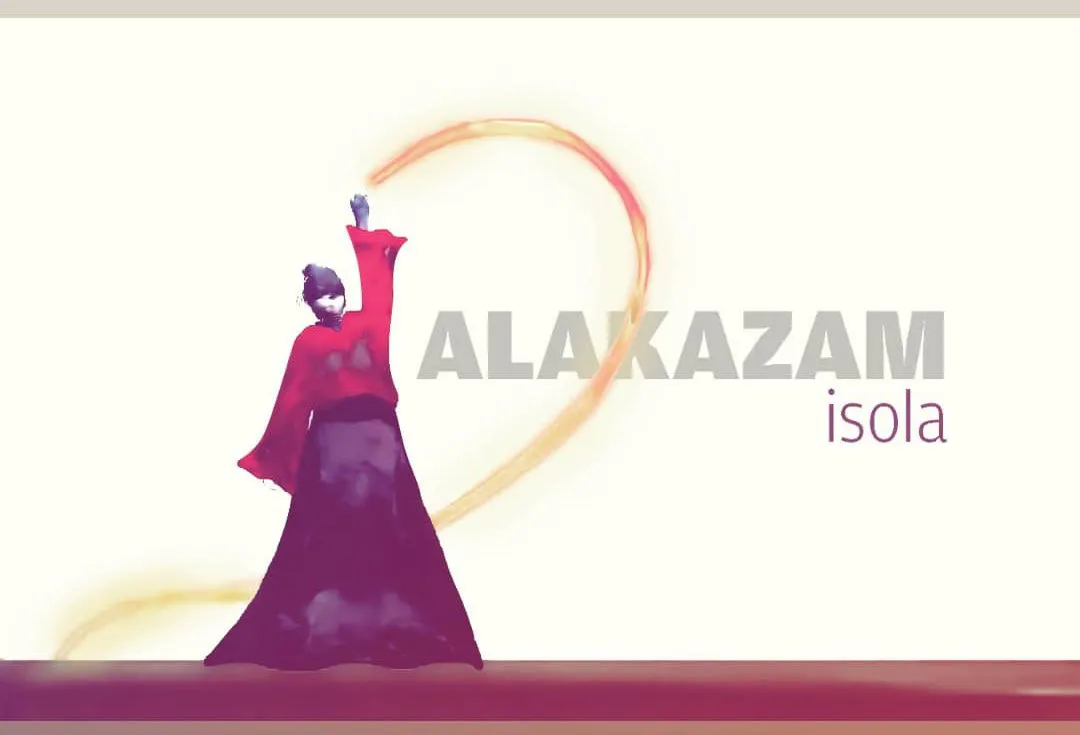
I combined all the brushes created so far into making an illustration (with
some editing in Photoshop)
5. Belle Brush
This is a brush which is derived from annotating images of
47DaysOfDevanagariType (the Devanagari version of 36DaysOfType)
First trials
:
I was able to get this series of images. It looked like inkblots or
watercolours. Maybe I could use this for something else?
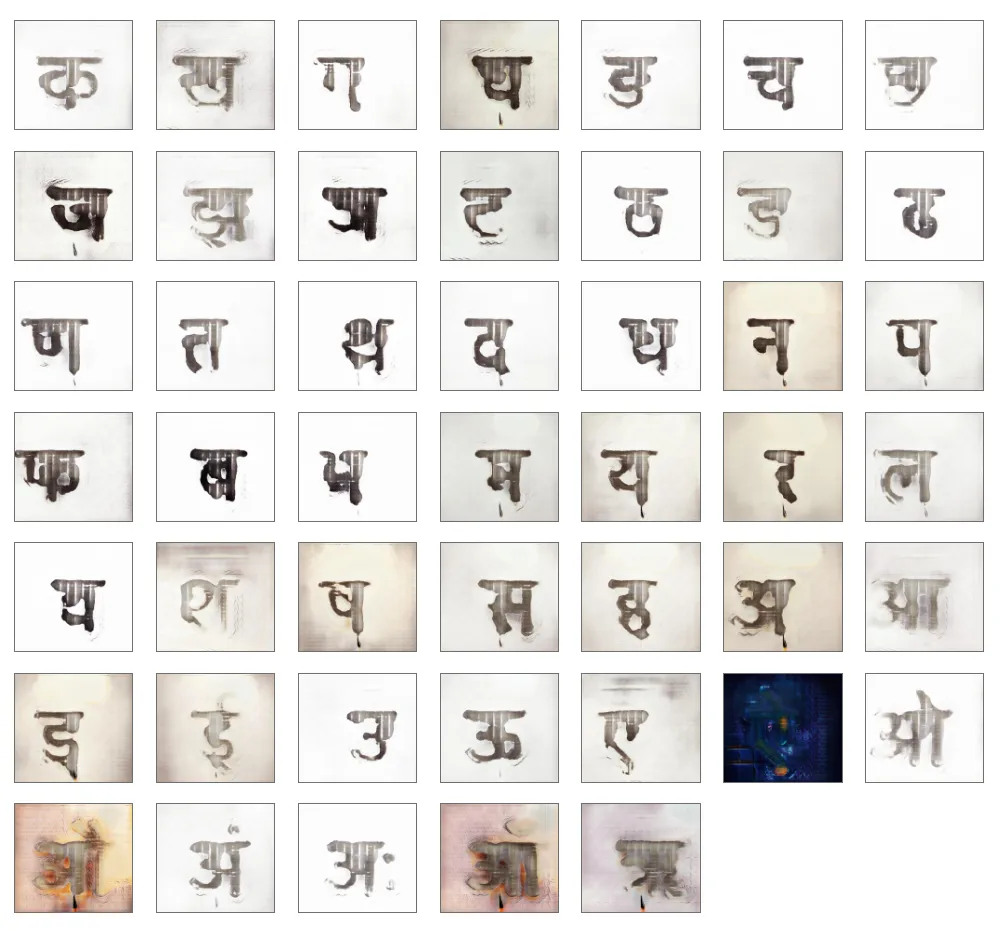
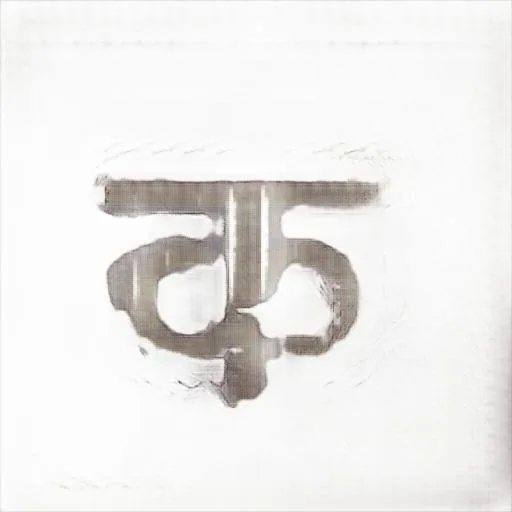
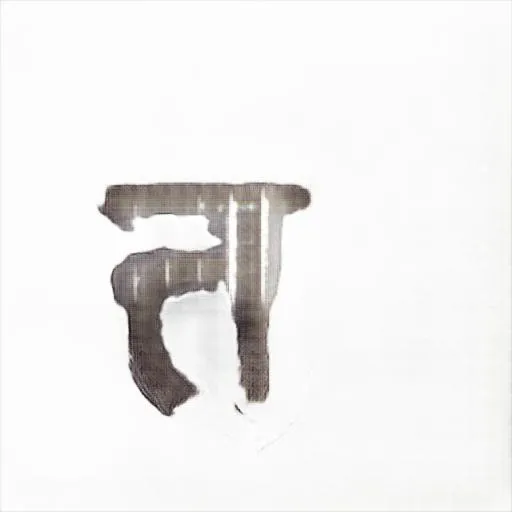
Here are the images in detail:
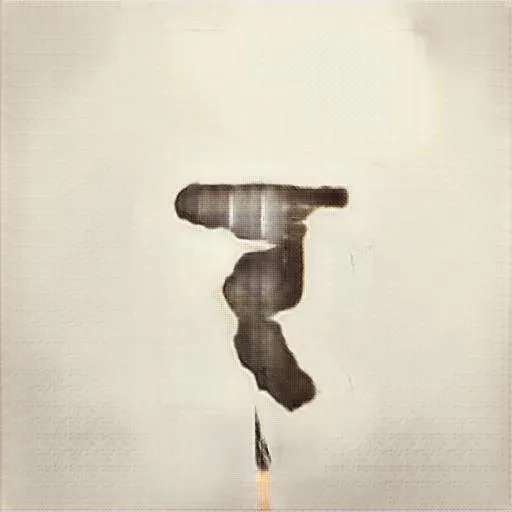
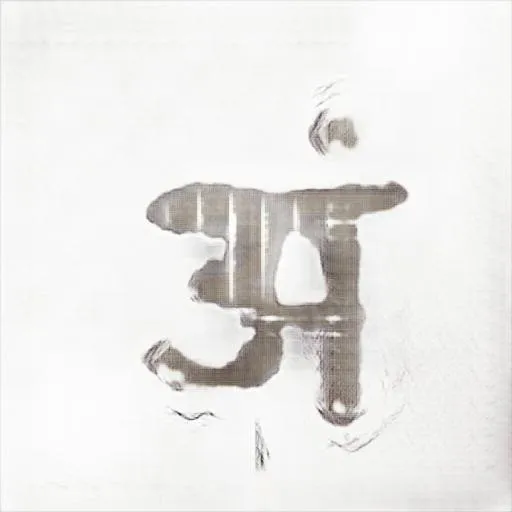
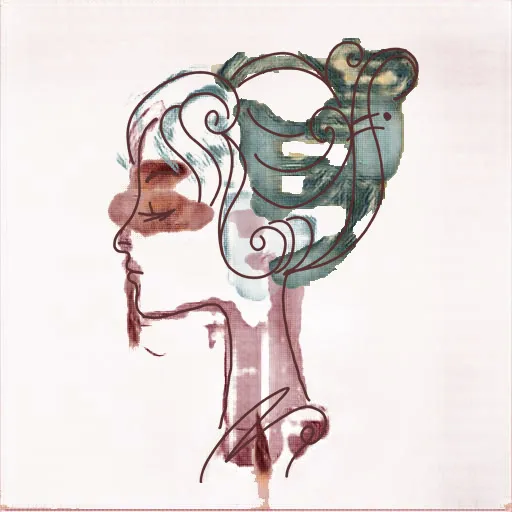
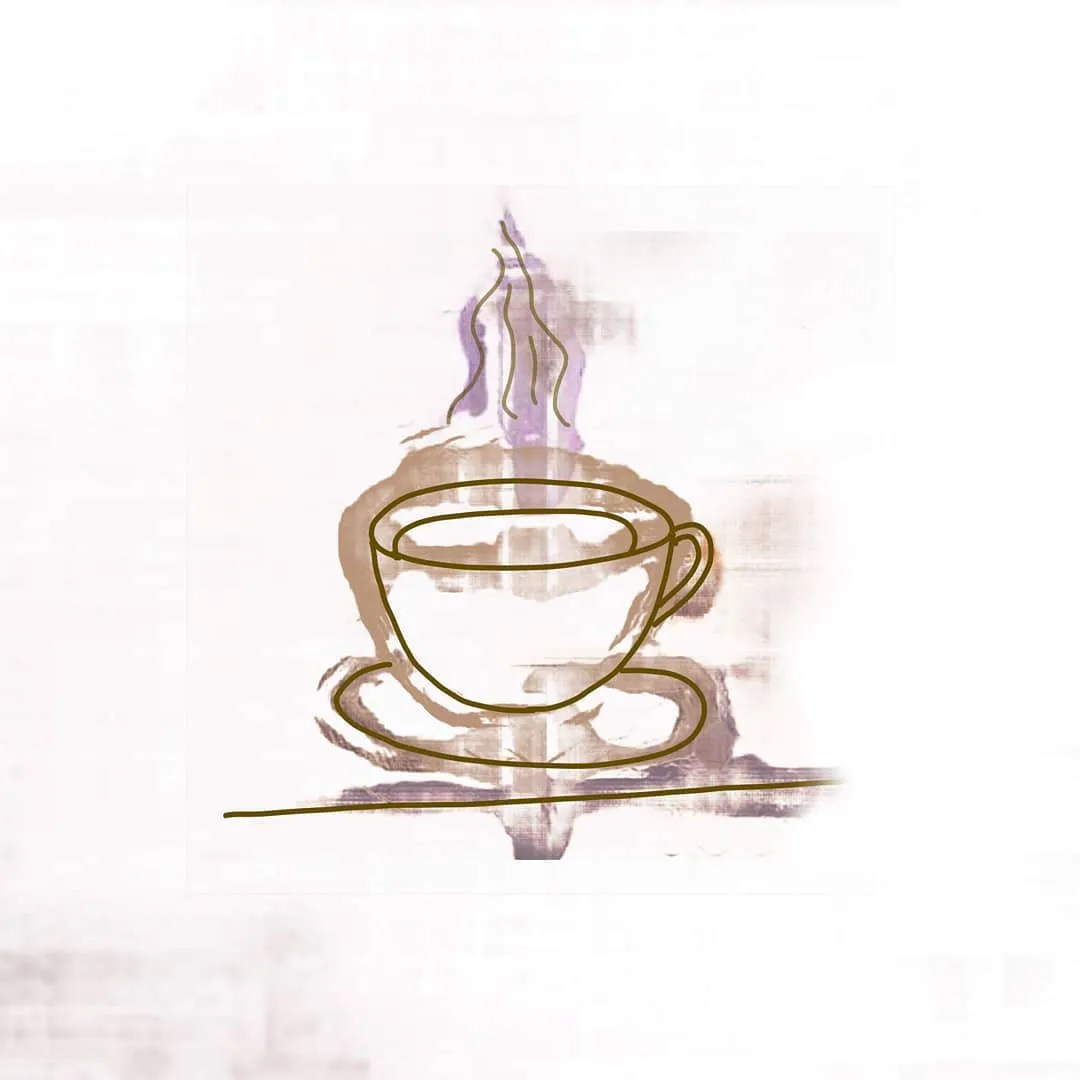
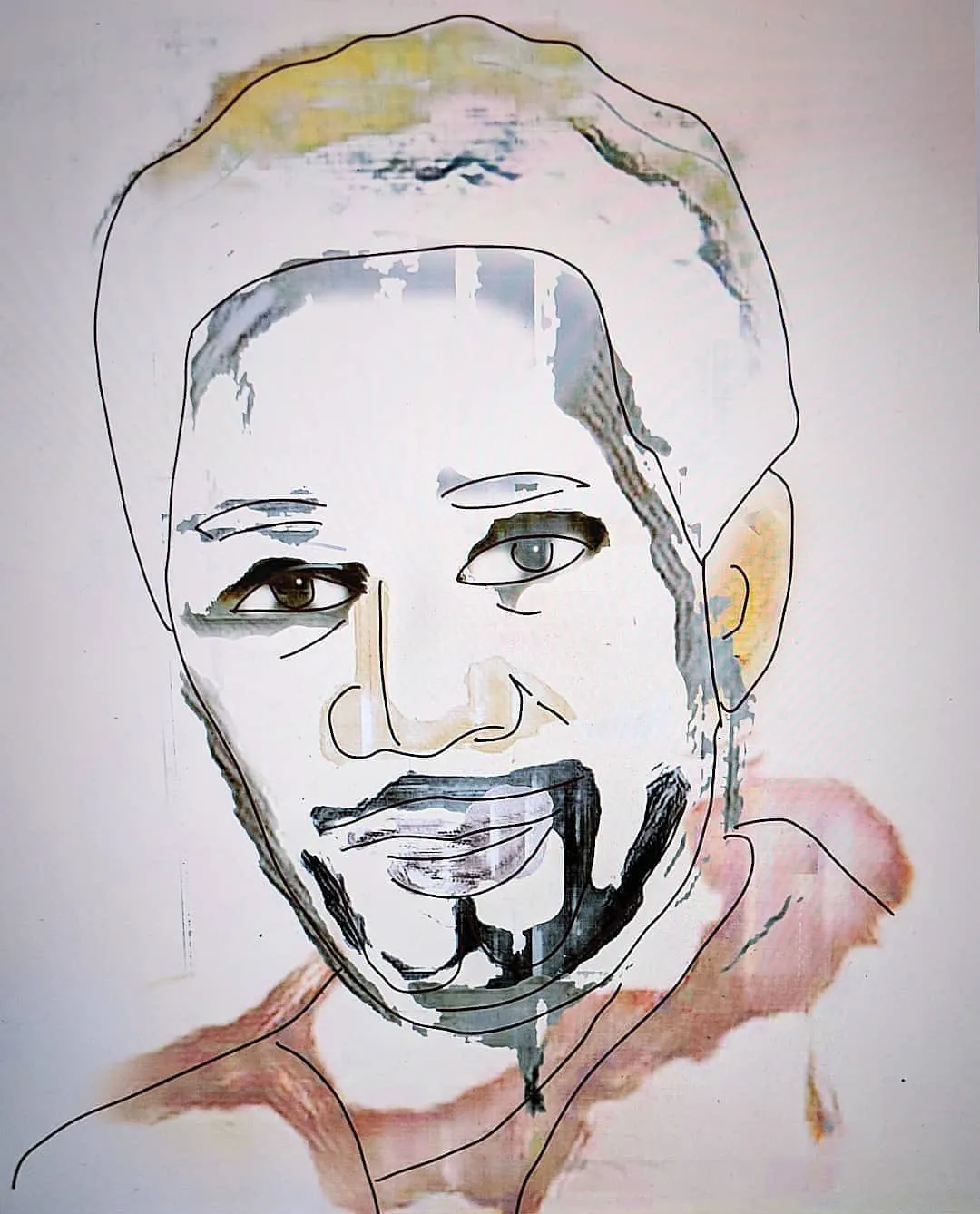
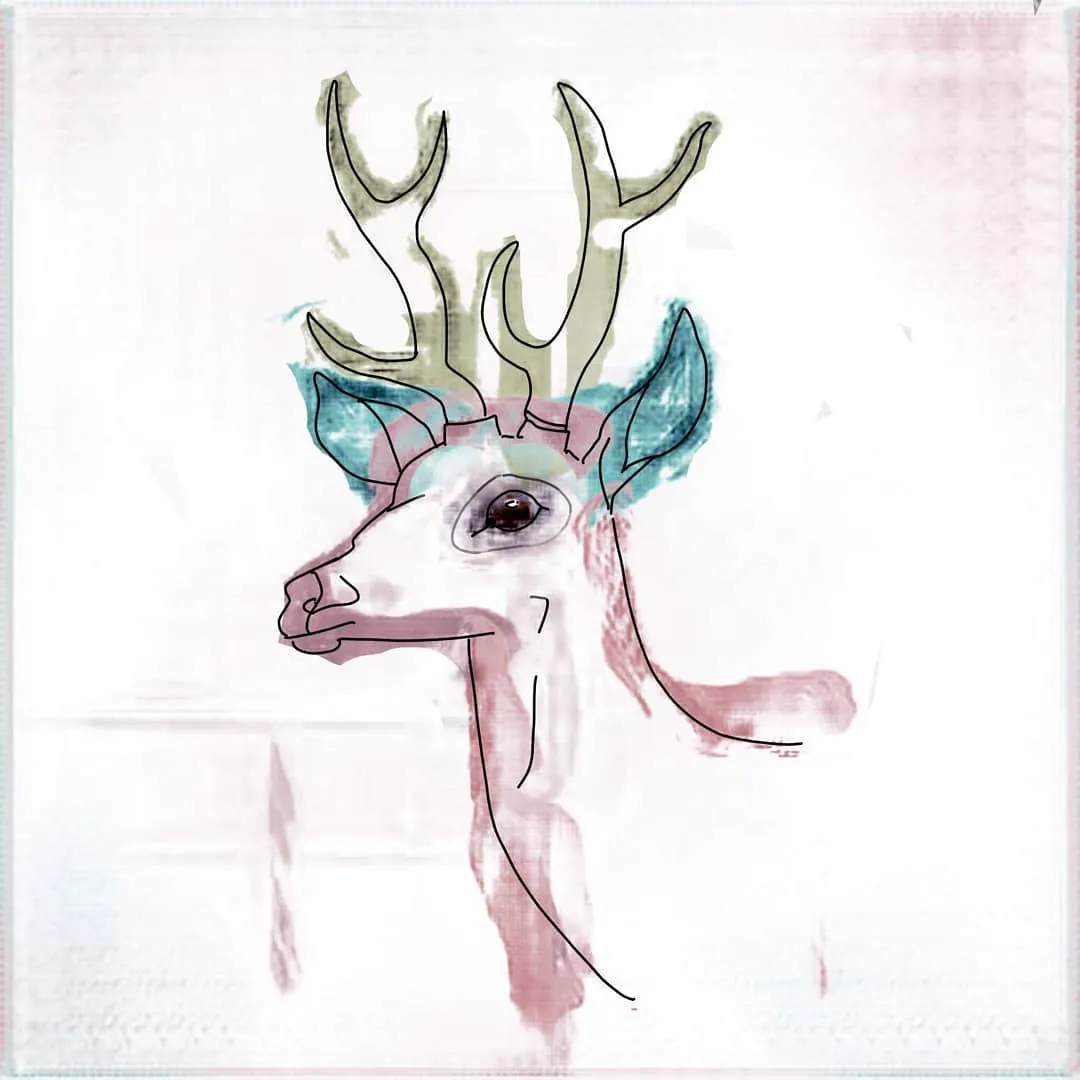
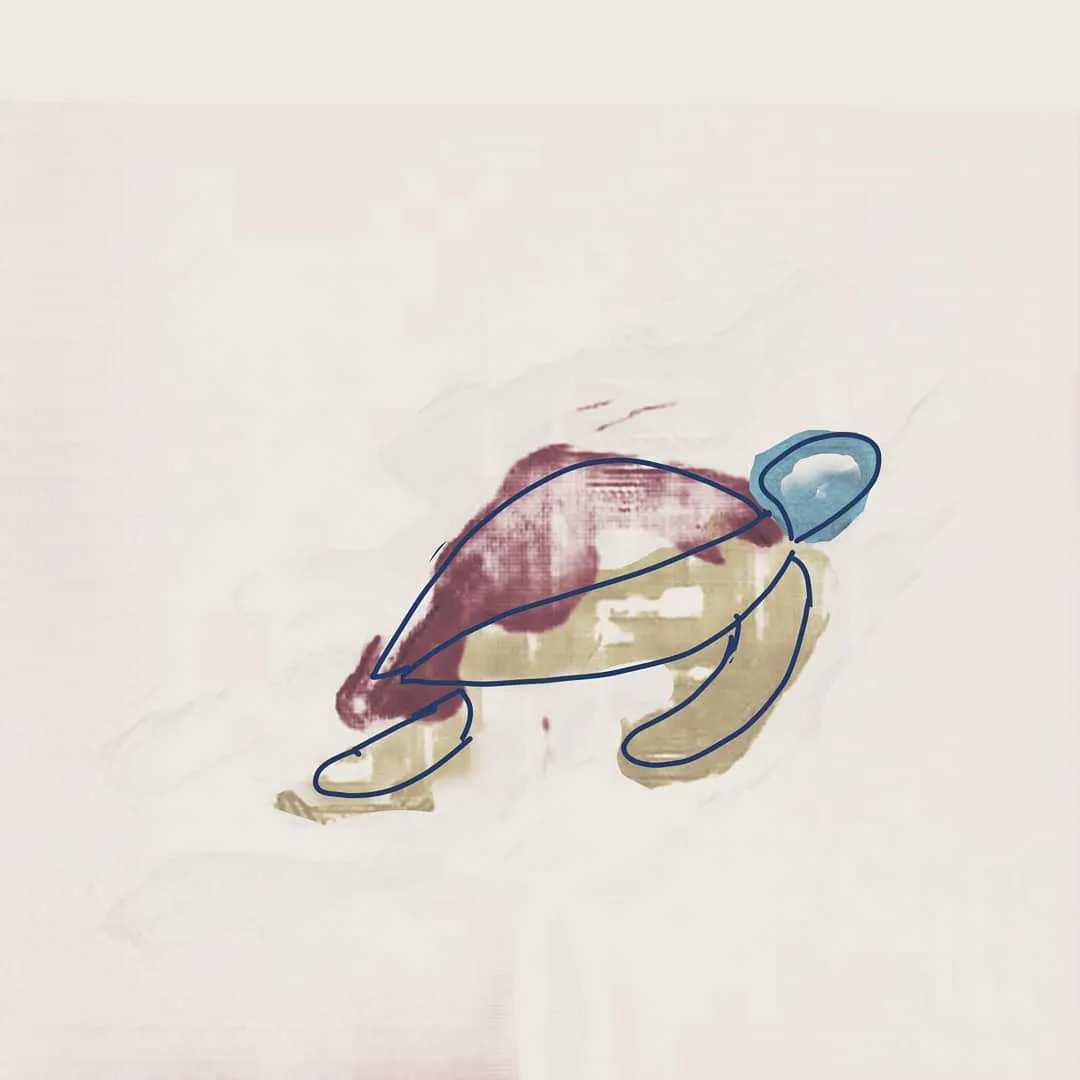
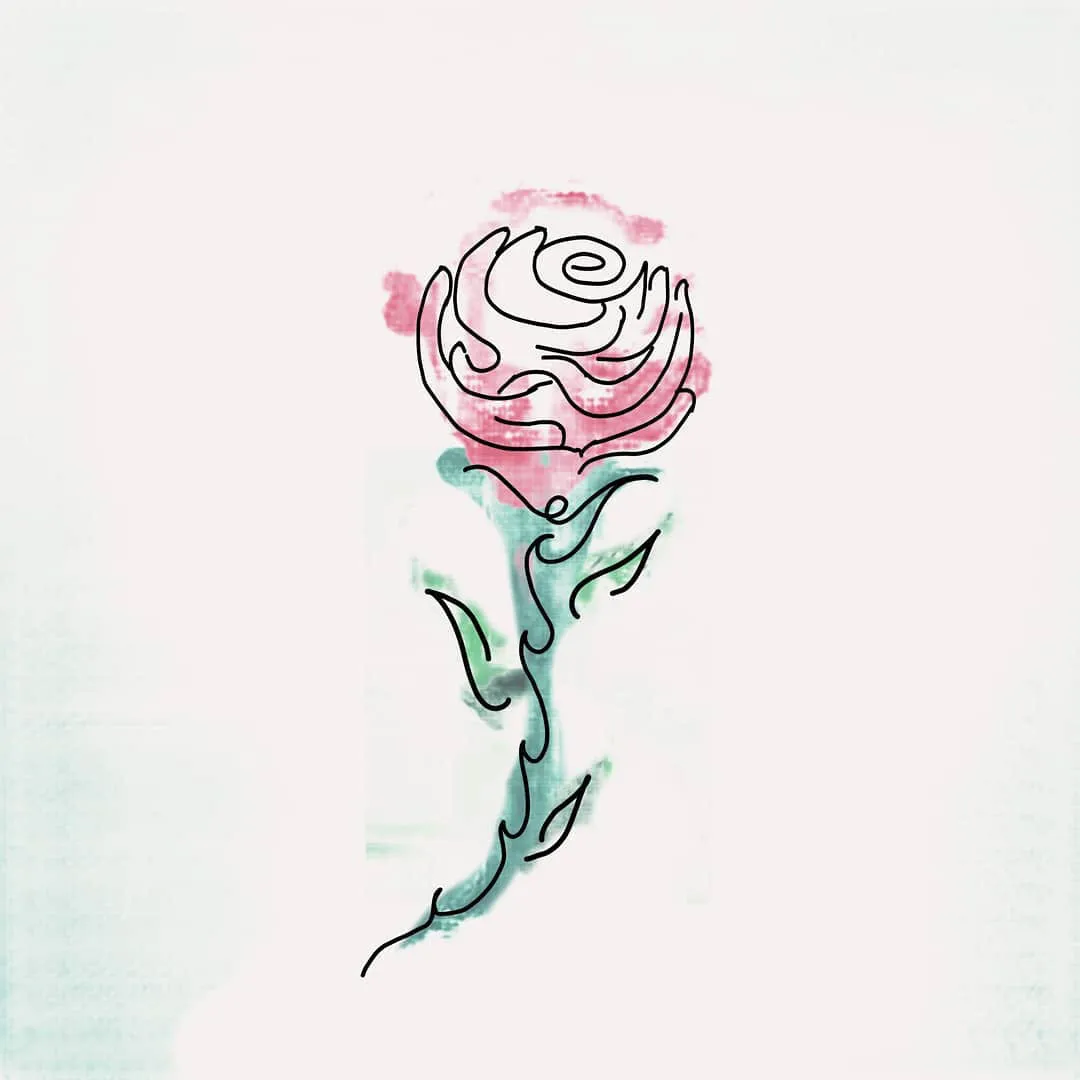
What if I could translate line drawings into inkblots/watercolour patches? I
ran the same model with a drawing inspired from a stock image (vectorstock).
Here is the creation.
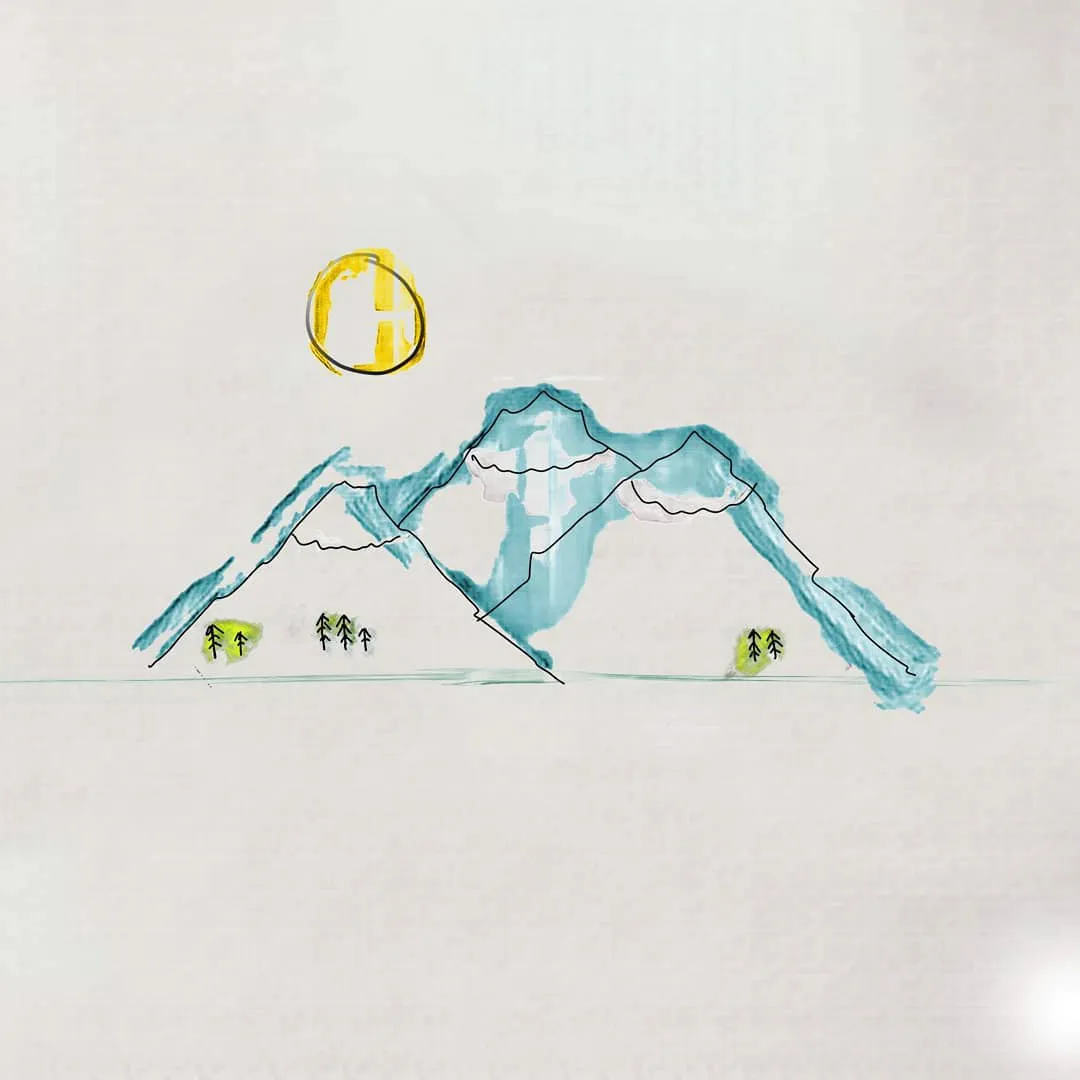
After some light tweaks, i got this brilliant watercolour effect. This seemed
like an Aha! moment (atleast with this brush). AI Art for the win!
6. Scenery Brush
So I started using a different algorithm and a combination of new tools. I
used these algorithms and some pre-existing models to augment physical
painting with real-life objects. (That is Augmenting Reality with more reality
using Artificial Intelligence assisting human creativity (Fancy :D) ).
Although these aren't realtime and works with overlaid video, this could
be the future of painting:
This video went viral in Twitter/X
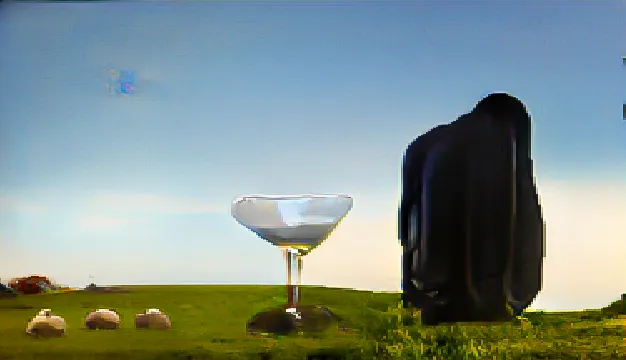
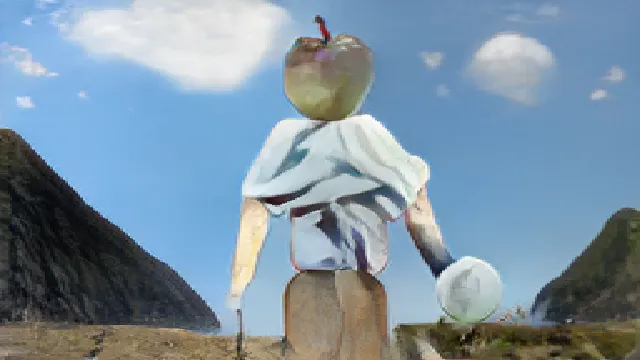
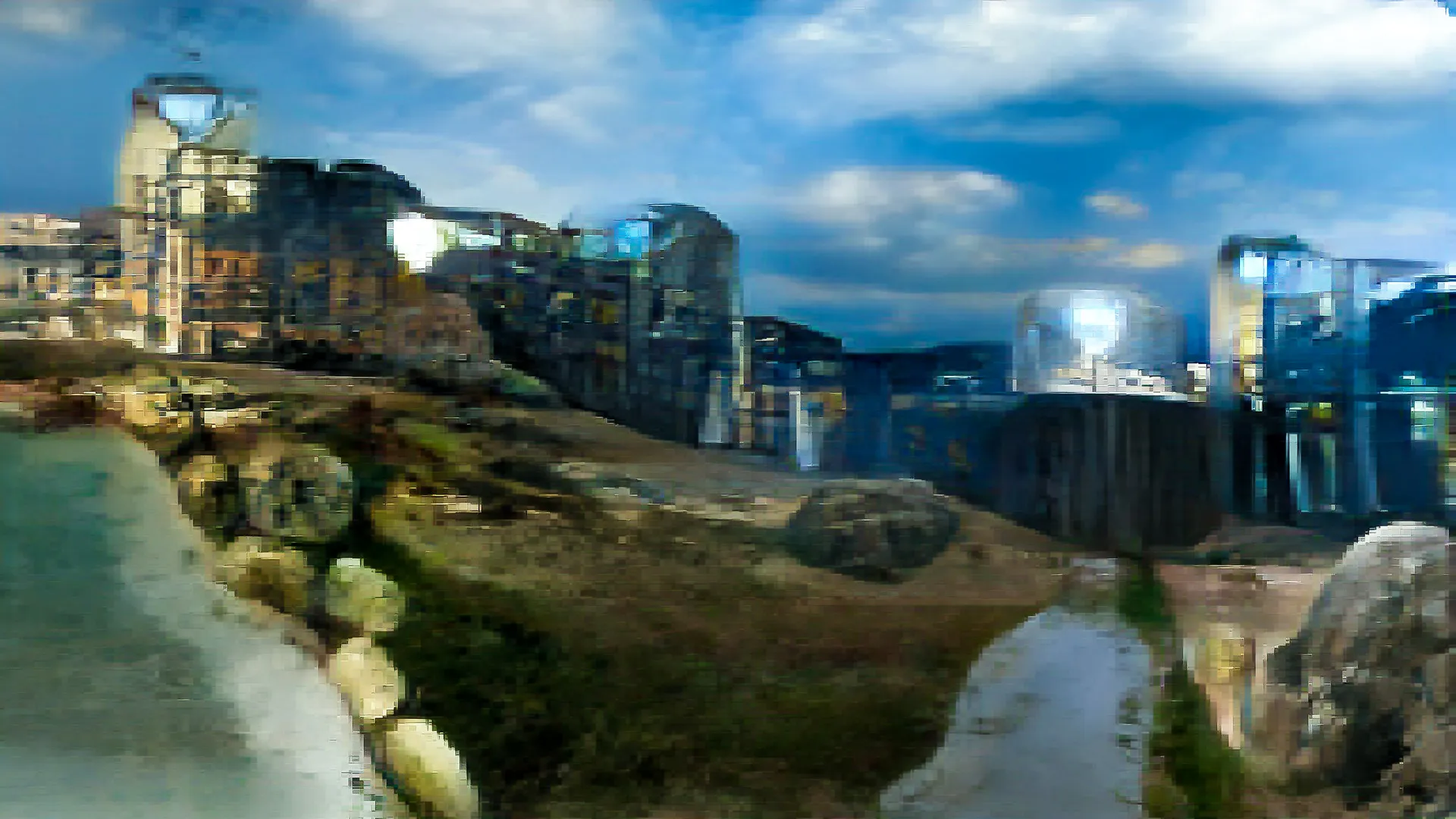
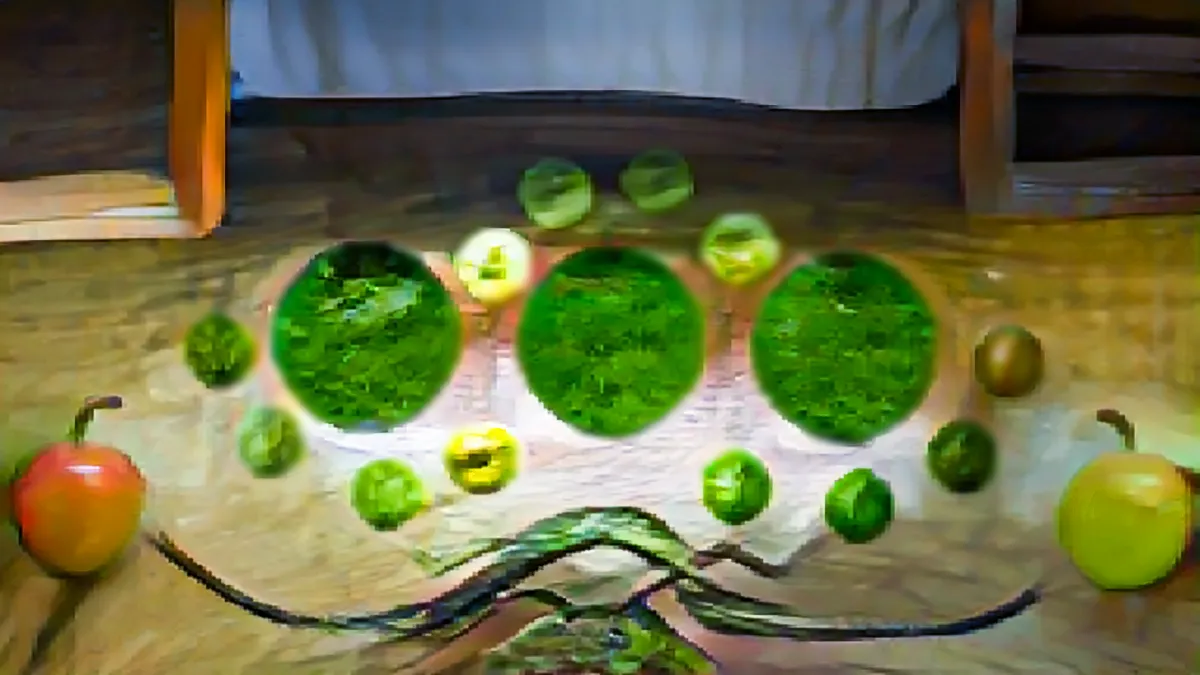
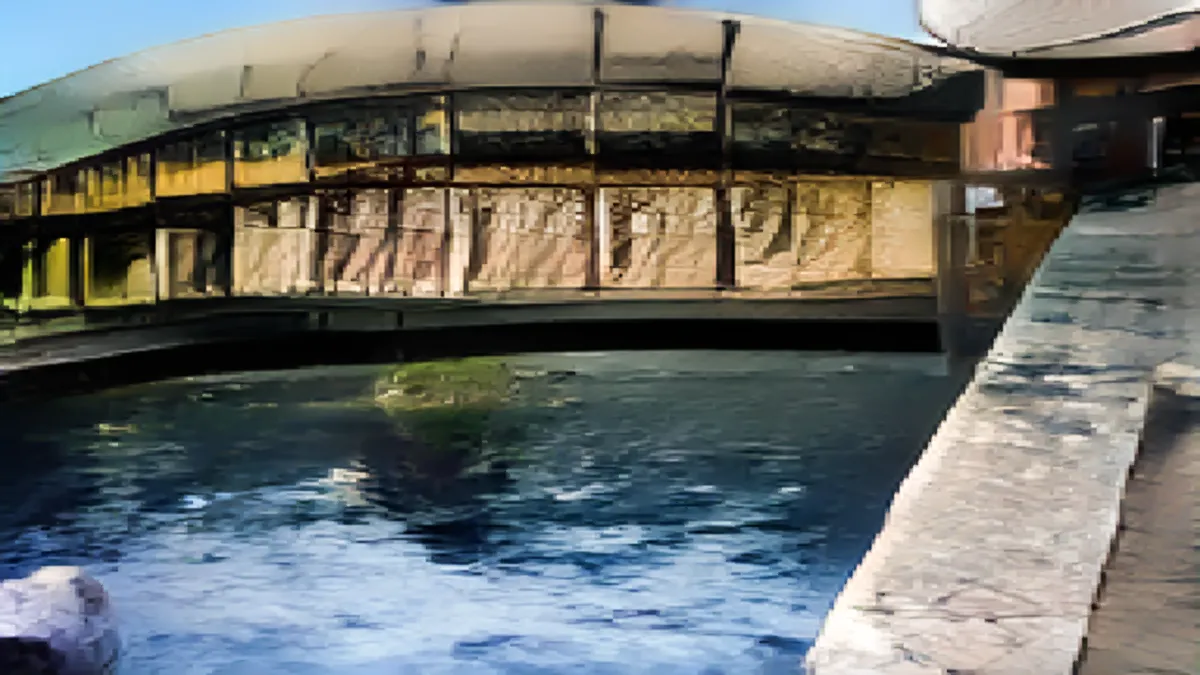
7. Object Brush (SPADE)
So I have started enjoying the Gaugan algorithm, that I have started composing
imagery with it. Following are the ones I made so far. You can follow
thes on my
Instagram
. These are a bit rugged and low res, but hey, its the beginning of a new era.
Next I made an animation of the segments in After Effects. Each frames were
then translated using Gaugan to a real image to create a real life animation
render of vector art. This particular piece was done in honour of Hachiko,
the loyal dog who waited 9 years for its owner to return. The music is also
generated using AI.
To create better drawings, I ported the drawing experience to the iPad using
RunwaML and p5js.
Can this be used for interior design? Trials here:
Redesigned the UI and made it a responsive webapp.
Isosoul
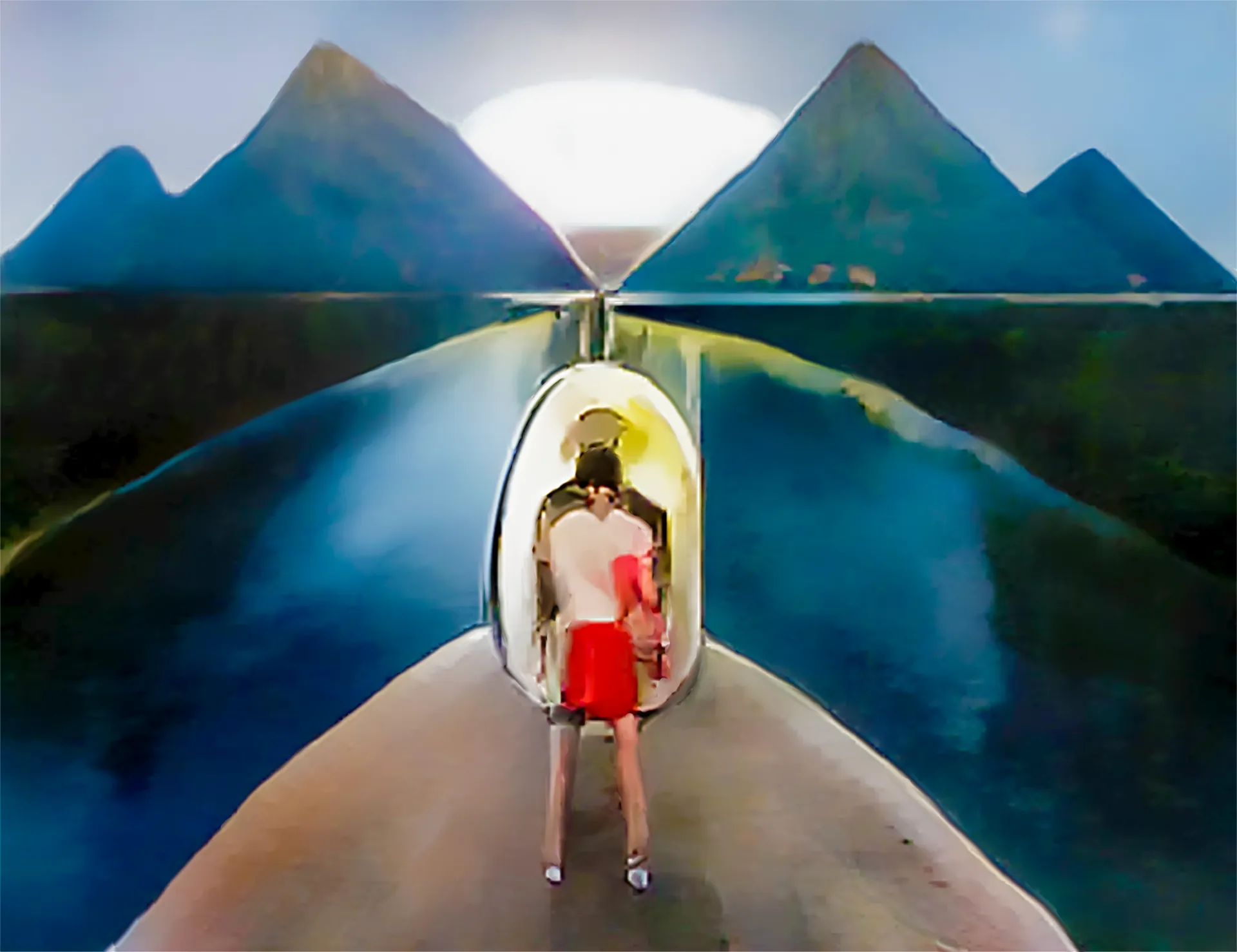
An artwork created using the painted segments to augmented real image
technique. Featured exclusively on www.makersplace.com/fabinrasheed
Final Image
8. Colorize
I started trying out how one could draw strokes while colour gets added
simultaneously using style2paints. Here is a video of an example of this live
sketching with colour. Although colourization is common, the simultaneous
sketch with colour gave it a fresh expression in the video.
9. Segment and realise
I tried segmenting imagery using the deeplab model in RunwayML and then
generating imagery from the segments using Spade by Nvidia. (Not exactly a
brush, and by now I have mixed up brushes with art.) Here are some works using
the same:
Machine Delusion
I converted a multiple video montage from pexels using the technique. What I
found is that the machine recognises and segments not fully correctly. And due
to some segment conversion difference in generation, the subsequent translated
video seemed interesting. As if the machine had delusions.
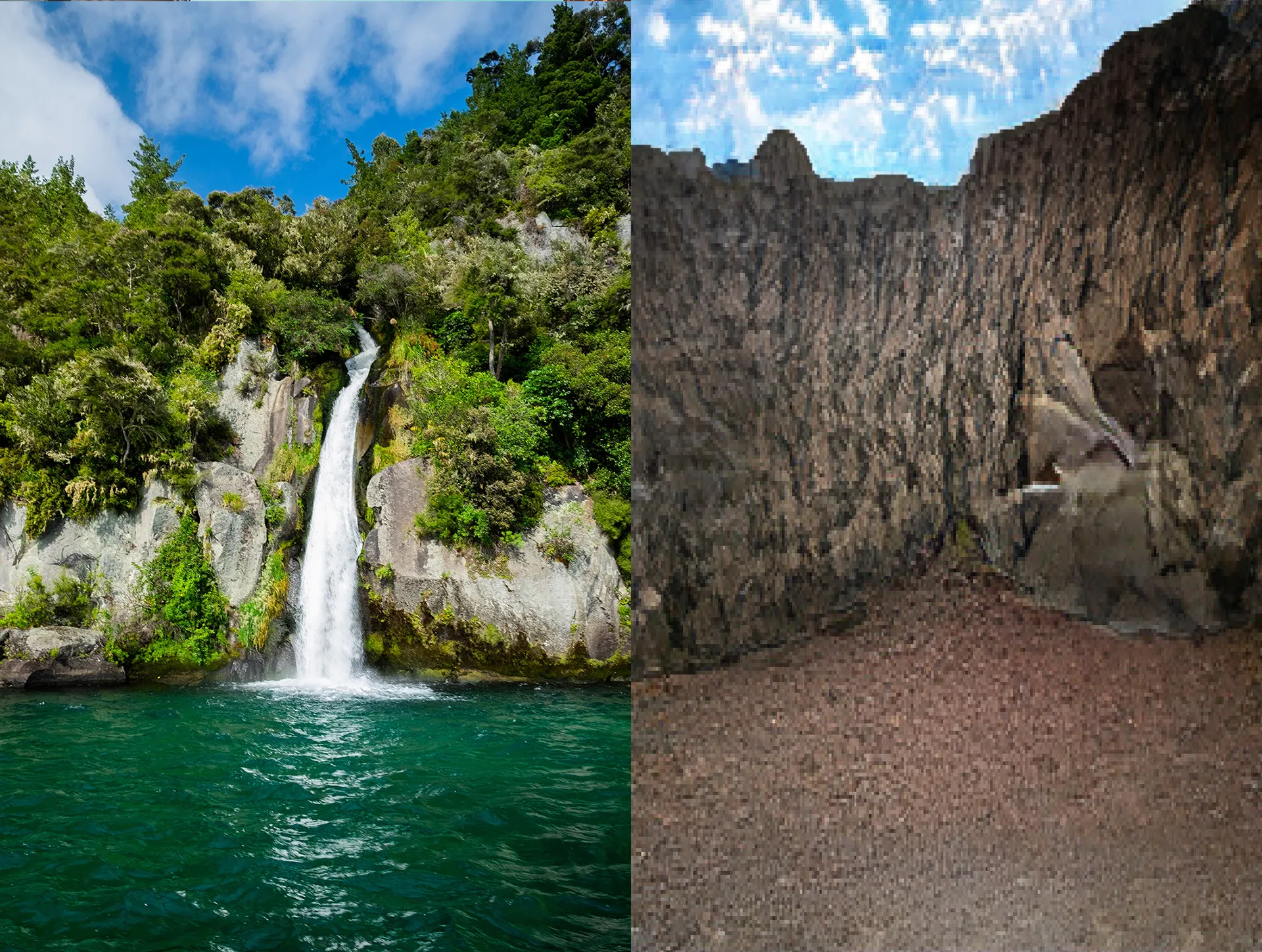
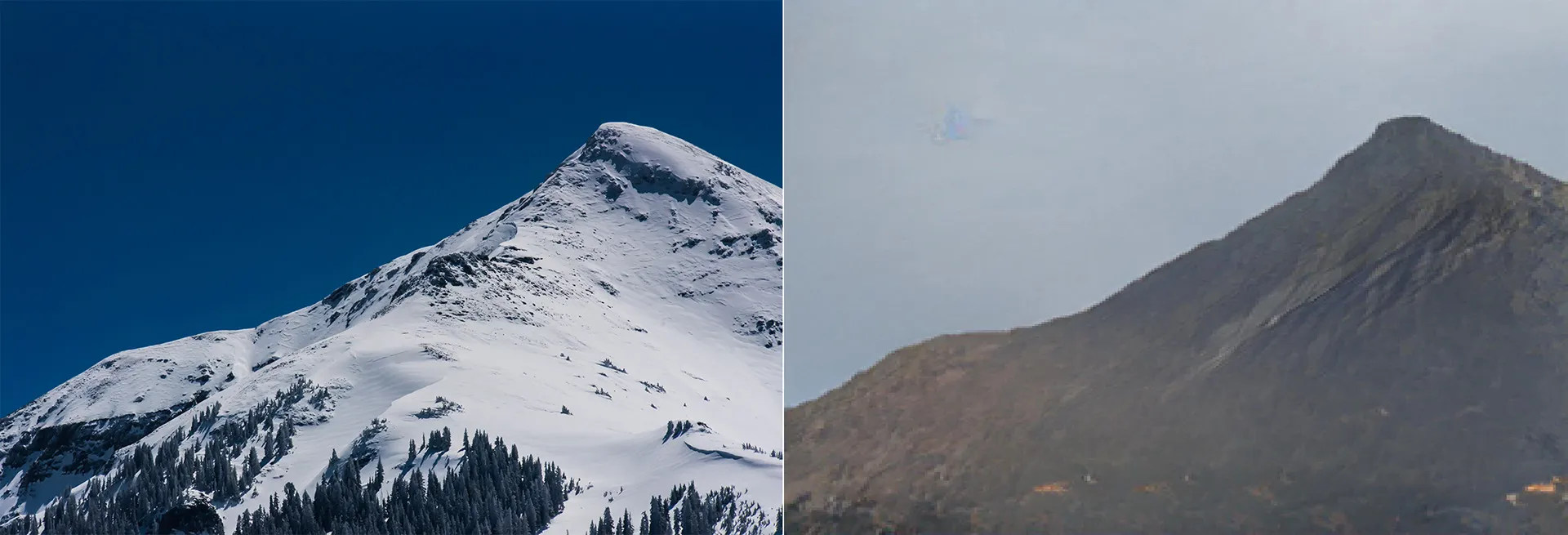
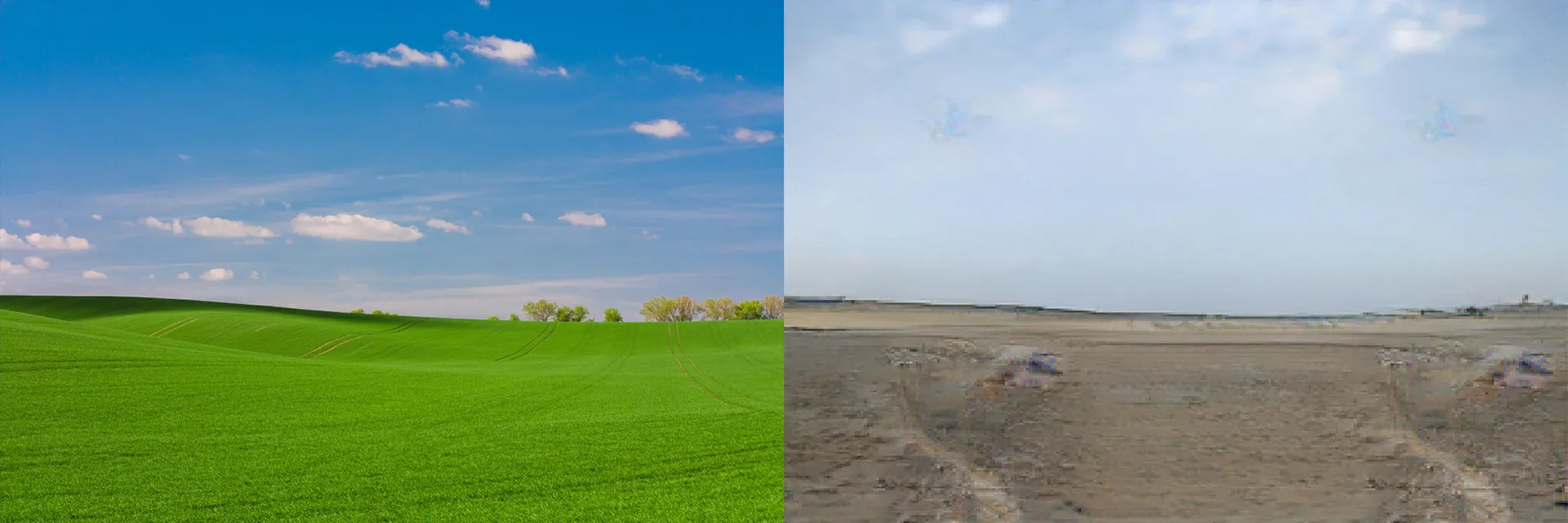
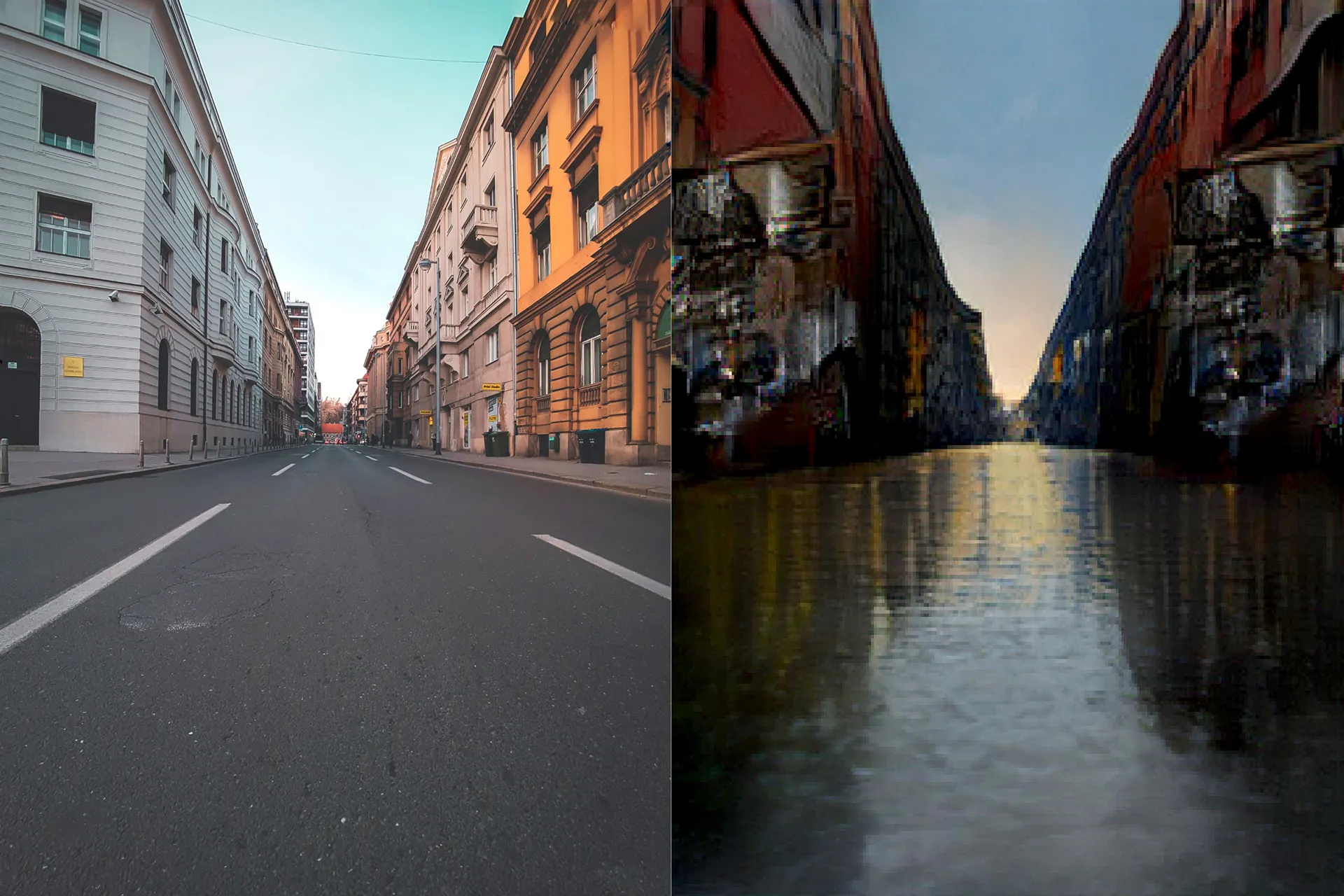
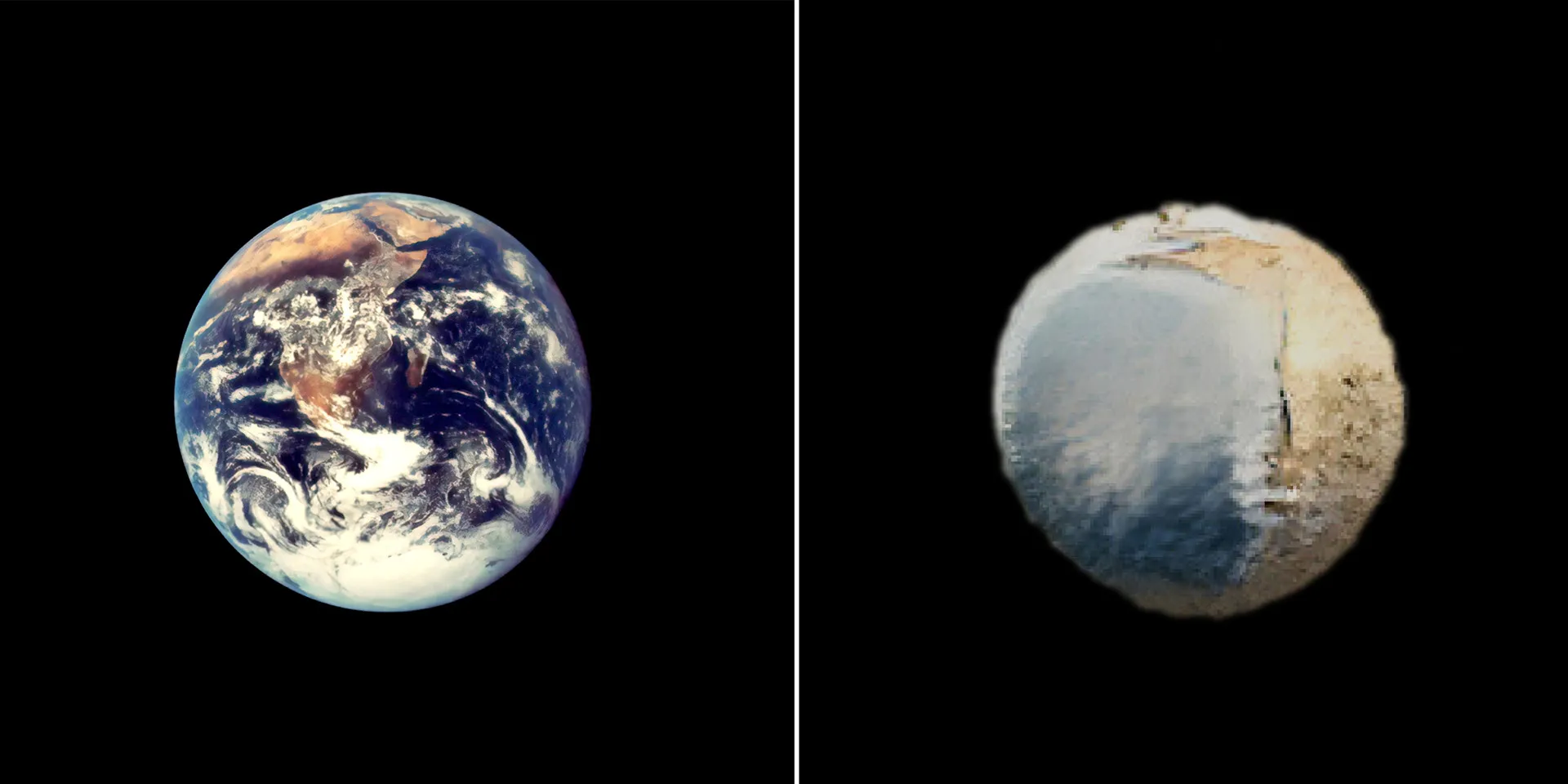
Climitosis
Next up, I used the technique to visualise the effect of climate change using
Artificial Intelligence. The realised segments were replaced by equivalent
climate after-effect segments, eg. river-gravel, road-river, snowy
mountain-mountain, grass-sand etc. Here are some imagery created using the
same:
10. Data Visualization
I used Nvidia Gaugan to do a real life visualization of data. What if
variation in data can be represented with real-life objects in terms of
temporal quantity and distribution. Check out the video below: